 Let's talk

A wedding is months of lists: guests, suppliers, budget, tables, timings. There’s an app for almost everything; here are the ones that actually help and what each one is for, plus the one we give our couples: your own portal, with the whole wedding in one place and us on the other side. Asking for it is free. From that day you have your digital invitation, your ideas board and messages with us; once you book your date it opens up completely: guests, tables, the schedule and payments.
Ask for your portalWe open it as soon as you tell us about your wedding. It’s a website: there’s nothing to install, and it works just the same on your phone and your computer.
When you book with us, the portal opens up completely: the logistics of the wedding, in the same place as everything else.
For saving ideas for dresses, flowers, tables or hairstyles on boards. A board shared with your partner, or with whoever is helping you, saves you sending screenshots back and forth on WhatsApp.
pinterest.comFor the music: a collaborative playlist where you both, and your guests if you like, keep adding songs. When it’s ready, pass it on to the DJ or the band.
spotify.comBodas.net’s app for your guests to upload the photos they take on their phones to one private album, instead of losing them in a hundred chats.
wedshoots.comFor designing invitations, menus, welcome signs or the seating chart: it has wedding templates so you don’t start from scratch.
canva.comFor anything paid between several people: the hen or stag do, the friends’ joint present or what each person puts up front. It keeps track of who paid what and who owes whom.
splitwise.comWe only open it for couples who tell us about their wedding: that way we know who it’s for and it’s ready with your details.
Ask for your portalReal weddings
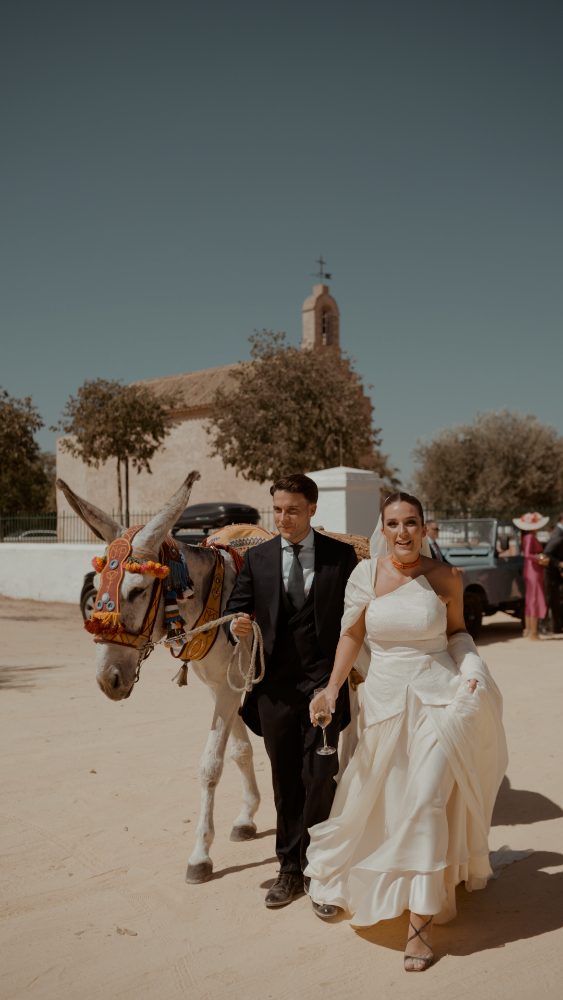 Wedding at the Hacienda La Pintada, UtreraLucía & Juan
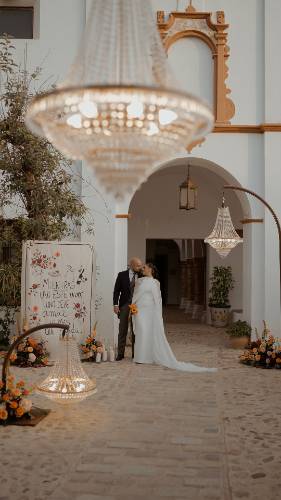 Wedding at the Convento de la Luz, Lucena del PuertoRocío & Juan
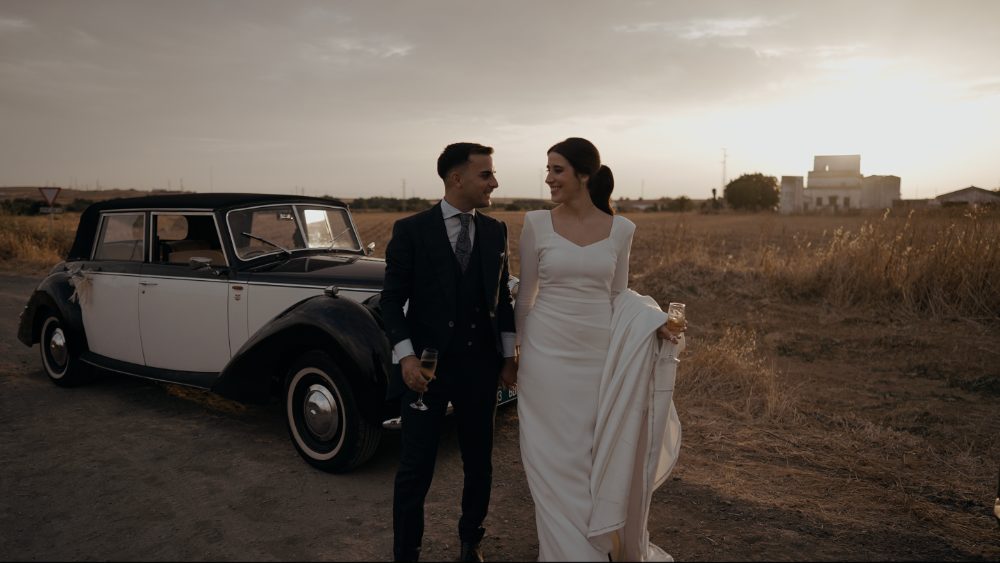 Wedding at the Hacienda Ballemari, HuelvaAna & David
Asking for it is free, and so are the basics: the digital invitation, your story, services, messages and the board. The whole portal opens once you book your date with us.
Not for the basics. Guests, tables, the schedule and payments are for the couples who marry with us.
No. It’s a website: it opens on your phone or your computer, with the link we give you.
You and us. Your guests see the digital invitation, and the wedding team sees the timings for the day.
Because each one does one thing. The portal brings your wedding together in one place and we see it too: nothing to repeat, nothing to dig out of chats.
With the button on this page: tell us about your wedding and we’ll send you access to your portal.